28 Aug 2026
Post by Callie
Introduction
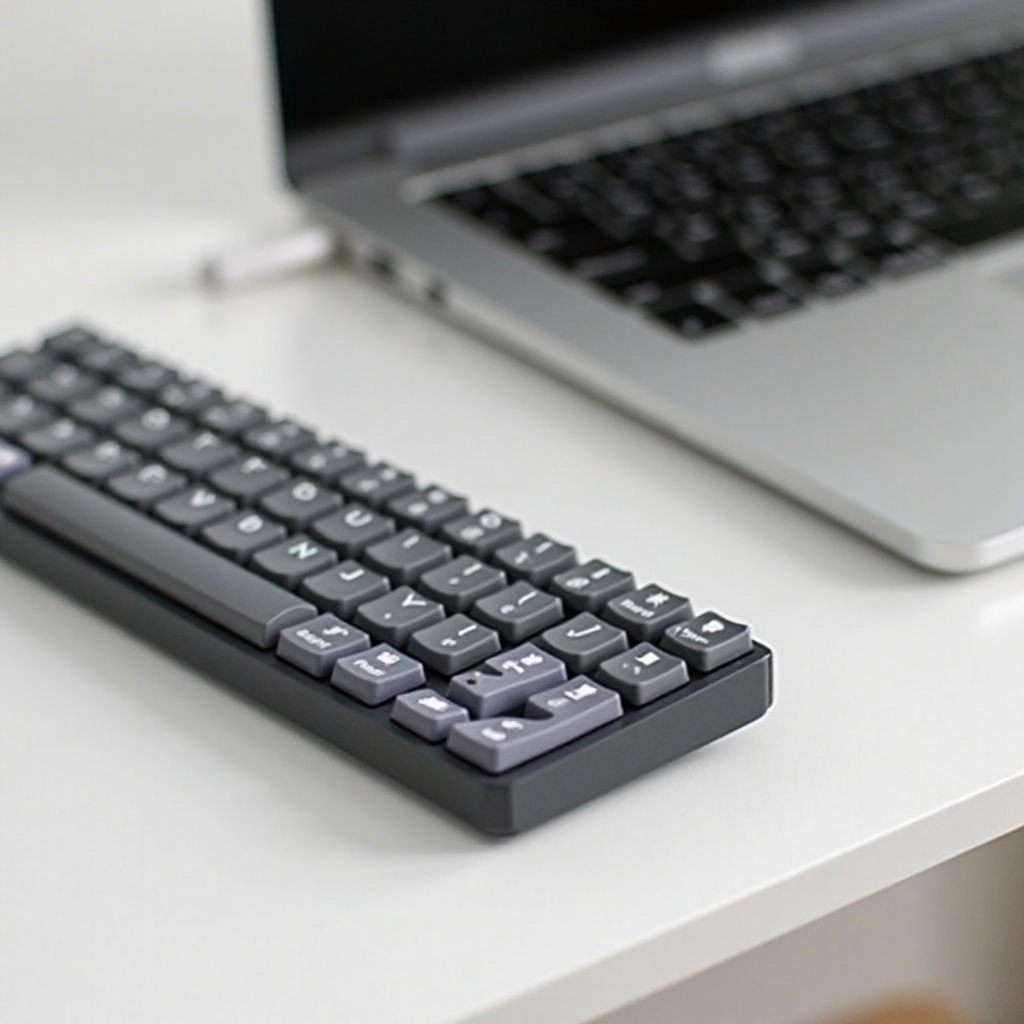
Finding the perfect mechanical keyboard for your MacBook can elevate your typing experience significantly. Whether you’re a writer, coder, or casual user, the tactile feedback and durable construction of mechanical keyboards offer distinct advantages over typical MacBook keyboards.
A key consideration is ensuring compatibility, allowing seamless integration with your Mac setup. In this guide, we explore the benefits of mechanical keyboards, compatibility tips, key features to look for, and the top picks for 2024, paving the way for an informed purchase decision.

Benefits of Using a Mechanical Keyboard with Your MacBook
Mechanical keyboards provide a multitude of benefits, enhancing both functionality and user satisfaction.
-
Enhanced Typing Experience: These keyboards deliver satisfying tactile feedback and precision with each keystroke, aiding in reducing typing errors and fatigue.
-
Durability and Longevity: Built to last, mechanical keyboards are renowned for their robust construction. High-quality switches can endure millions of keystrokes, far surpassing the lifespan of standard keyboard membranes.
-
Customization Options: Personalize your keyboard to match your preferences. With a variety of keycaps and switch types available, you can tailor your typing experience to suit your style and needs.
Understanding these advantages sets the stage for ensuring your keyboard’s compatibility with your MacBook.
Compatibility with MacBooks
Ensuring a mechanical keyboard is compatible with your MacBook is crucial for an optimized experience.
- Types of Connections: Consider the connection options that will best suit your setup:
- USB-C: Offers a reliable, direct connection; ideal for newer MacBook models.
- Bluetooth: Perfect for those who desire a wireless, clutter-free workspace.
-
USB-A: Although requiring an adapter for modern MacBooks, this connection remains a viable choice.
-
macOS Integration and Key Mapping: Choose keyboards that support macOS shortcuts and functionality. Many offer utility software for easy key mapping, ensuring that function keys and shortcuts align with macOS commands.
With compatibility in focus, let’s turn our attention to the essential features to consider in 2024’s mechanical keyboards.
Key Features to Look for in 2024
Selecting the right mechanical keyboard involves prioritizing the features that suit your typing habits and ergonomic needs.
- Switch Types Explained:
- Linear Switches: These provide a seamless keystroke, ideal for rapid typing without tactile feedback.
- Tactile Switches: These offer a non-audible bump on actuation, giving physical feedback without the sound.
-
Clicky Switches: Providing both tactile and audible feedback, these are favored for typists desiring sound.
-
Aesthetics and Design: Choose designs that not only enhance your workspace visually but also offer durable and practical features.
-
Additional Functionalities: Many mechanical keyboards in 2024 come equipped with programmable keys, customizable RGB lighting, and detachable wrist rests, enhancing both versatility and comfort.
With features clarified, let’s explore the standout mechanical keyboards available for use with MacBooks in 2024.
Top Mechanical Keyboards for MacBook in 2024
After thorough analysis, here are the leading mechanical keyboards for your MacBook:
- Product 1: Features, Pros, and Cons:
- Features: Wireless capability, customizable RGB lighting, hot-swappable switches.
- Pros: Effortless connectivity, personalized aesthetics, easy switch customization.
-
Cons: Higher weight may impact portability.
-
Product 2: Features, Pros, and Cons:
- Features: Ergonomic layout, USB-C connectivity, quiet tactile switches.
- Pros: Silent operation, direct connection, minimizes wrist strain.
-
Cons: Limited backlighting options.
-
Product 3: Features, Pros, and Cons:
- Features: Multi-device support, durable PBT keycaps, advanced software integration.
- Pros: Easy switching between devices, long-lasting keycaps, robust performance.
- Cons: Setup may require additional configuration effort.
With top products identified, the following buying guide will further aid your decision-making process.
Buying Guide for Mechanical Keyboards
To select the ideal mechanical keyboard, consider these critical factors:
-
Budget Considerations: Mechanical keyboards vary in price. Assess your budget while balancing essential features and build quality.
-
Assessing Your Typing Needs: Determine your primary usage—such as typing, gaming, or a combination—to choose the right layout and switch type.
-
Maintenance Tips: Clean your keyboard regularly to maintain performance. Use gentle cleaning tools like a keycap puller and compressed air for best results.
Armed with this knowledge, you’re well-ready to enrich your MacBook experience with a carefully chosen mechanical keyboard.

Conclusion
Investing in a mechanical keyboard enhances your MacBook’s functionality, providing an improved and satisfying typing experience. Emphasizing tactile feedback, substantial durability, and customizable features ensures a keyboard that meets diverse needs and preferences. Considering compatibility, selecting key features, and evaluating the best options for 2024 will guide you to a choice that elevates your daily computing routine.
Frequently Asked Questions
Can I use a mechanical keyboard with any MacBook model?
Yes, most mechanical keyboards work with any MacBook model. Ensure you check connection types and key mapping support for macOS.
Are mechanical keyboards compatible with macOS shortcuts?
Yes, many mechanical keyboards are pre-configured for macOS shortcuts. Some offer software to customize key mapping specifically for macOS.
What is the difference between wireless and wired mechanical keyboards for MacBooks?
Wireless keyboards offer mobility and a cleaner look, while wired keyboards provide stable connections and eliminate the need for charging.