6 Mar 2026
Post by Callie
Introduction
When considering a new tablet, focusing on the availability of a stylus is essential—it enhances both creativity and productivity. For Apple devices, the Apple Pencil stands out as a high-precision stylus compatible with various iPad models. Whether you’re a digital artist, a student, or a professional seeking seamless note-taking, knowing which iPads support the Apple Pencil can help you make an informed choice.
Understanding Apple Pencil Compatibility
To choose the right iPad for your pen needs, you need to understand the differences between the two Apple Pencil versions available—first-generation and second-generation.
-
First Generation vs. Second Generation Apple Pencil: The first-generation Apple Pencil charges using a Lightning connector, while the second-generation Pencil features a magnetic attachment for wireless charging and includes double-tap functionality for convenience.
-
Key Features of the Apple Pencil: Both the first and second generations offer precision, low latency, and palm rejection. Artists value its tilt and pressure sensitivity, which emulate a natural drawing experience.
These unique attributes of each Apple Pencil version align with different iPad models, ensuring users can select a compatible match for their creative or professional pursuits.
iPads Compatible with the Apple Pencil
An important aspect of selecting the right iPad is knowing which models offer compatibility with the Apple Pencil.
-
iPad Pro Models: The Ultimate Creative Tools: Compatible with the second-generation Apple Pencil, the iPad Pro is a favorite amongst artists and designers. It comes with high resolution displays and robust processing power, essential for professional-grade tasks like video editing and graphic design.
-
iPad Air: Powerful yet Portable: The iPad Air also supports the second-generation Apple Pencil. It’s ideal for users who require powerful features in a lightweight package, enabling easy multitasking, making it suitable for students and professionals.
-
iPad Mini: Compact and Capable: Compatible with the second-generation Apple Pencil, the iPad Mini offers a compact design without compromising functionality. Its size suits users needing an easy-to-carry solution with robust capabilities.
These models enable users to choose devices that meet different needs, from intricate creative projects to straightforward note-taking.
Features and Benefits of Using an iPad with an Apple Pencil
Understanding the benefits of using an iPad with an Apple Pencil ensures you maximize these devices’ potential.
-
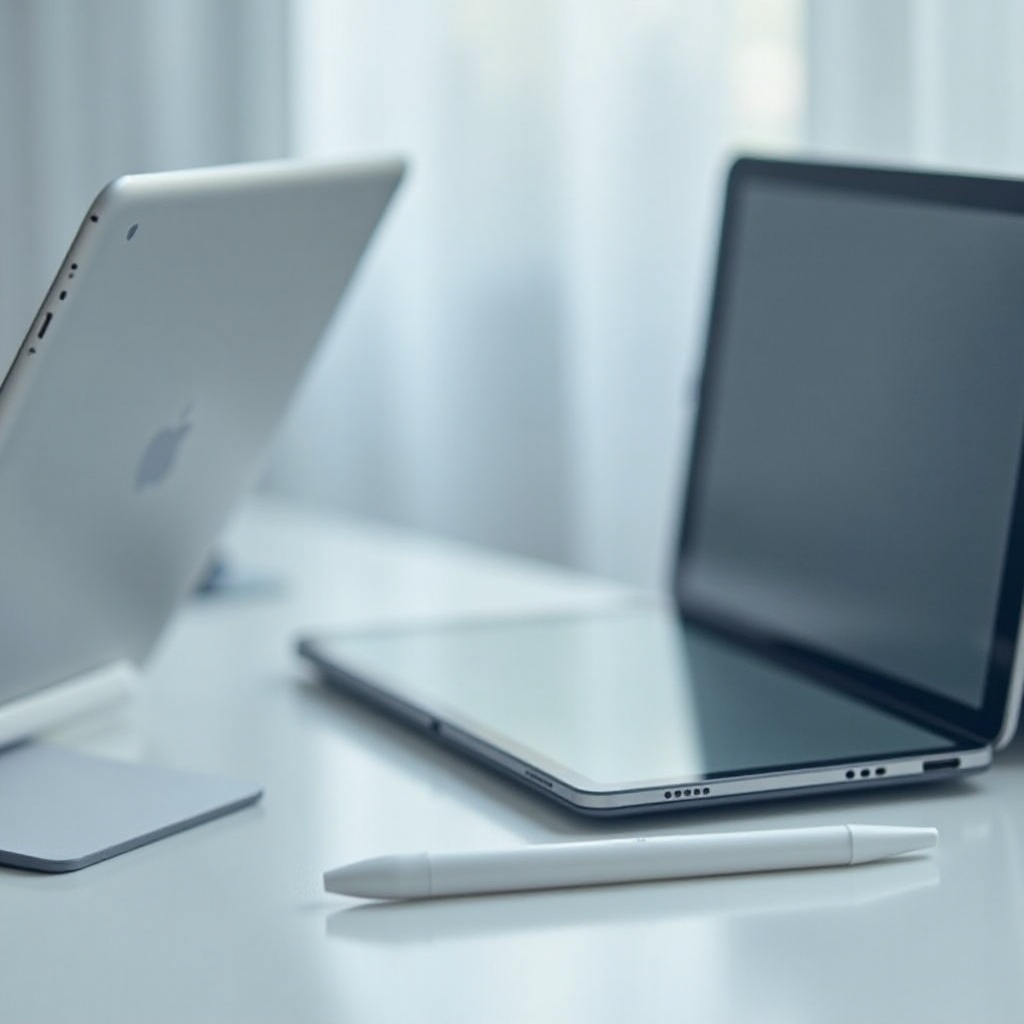
Enhancing Productivity: The Apple Pencil facilitates precise, swift digital note-taking and sketching. Features such as document markup and converting handwritten notes to text streamline productivity.
-
Creative and Artistic Possibilities: For artists, the Apple Pencil transforms the iPad into a limitless canvas. Its pressure sensitivity mimics traditional drawing tools, allowing for nuanced expressions.
-
Note-taking and Educational Uses: Students gain significantly from using the Apple Pencil in educational settings, where annotating, drawing diagrams, and collaborating on projects enhance learning. It also complements eBooks and study materials effectively.
These features make the Apple Pencil an indispensable tool for many iPad users.
How to Choose the Right iPad and Apple Pencil for Your Needs
Deciding on the right iPad and Apple Pencil combination depends largely on personal needs and preferences.
-
Assessing Your Needs: Professional vs. Personal Use: Professionals might prioritize the advanced features of the iPad Pro, whereas casual users or students might find the iPad Air or Mini more suitable.
-
Budget Considerations: Price often influences choices. The iPad Pro, with its advanced features, is more expensive. The iPad Air and Mini offer functionality at a more accessible price.
Understanding one’s needs and budgetary requirements can direct a savvy purchase.
Maximizing Your iPad and Apple Pencil Experience
To optimize the usage of an iPad and Apple Pencil, consider these strategies:
-
Tips for Effective Use: Regular updates for your iPad’s software offer the latest features and improvements. Mastering the Apple Pencil’s double-tap functionality enhances workflow.
-
Apps that Complement the Apple Pencil: Opt for apps that exploit the Apple Pencil’s capabilities. Procreate, Notability, and GoodNotes provide excellent user experiences tailored for artists, professionals, and students.
Using suitable apps and following best practices significantly enhances the experience of an iPad paired with an Apple Pencil.
Conclusion
Identifying which iPads come with a pen marks the first step toward choosing the perfect digital tool. Whether for detailed creative work or enhanced productivity, finding the right iPad and Apple Pencil combination transforms workflows. By exploring different models and their features, users can discover a device that aligns perfectly with their needs.
Frequently Asked Questions
Can I use an Apple Pencil with any iPad?
No, only certain iPad models are compatible with the Apple Pencil. Always check compatibility before purchasing.
What is the difference between the first and second-generation Apple Pencils?
The second-generation pencil supports magnetic attachment and wireless charging, whereas the first-generation requires a Lightning connector.
Are there alternatives to the Apple Pencil for iPad users?
Yes, third-party styluses like the Logitech Crayon offer good functionality at a lower price, though they may lack some features unique to the Apple Pencil.