
20 Mar 2026
Post by Callie
Introduction
The Nintendo Switch captures the essence of both home-console and handheld gaming in a single device. Yet, one frequently asked question by users is whether it incorporates Bluetooth functionality. This feature could revolutionize how users connect wirelessly to devices, such as headphones and controllers, creating an enhanced playing experience. This article will provide a comprehensive overview of Bluetooth’s presence on the Nintendo Switch and its potential impact.
History and Evolution of Bluetooth on Nintendo Switch
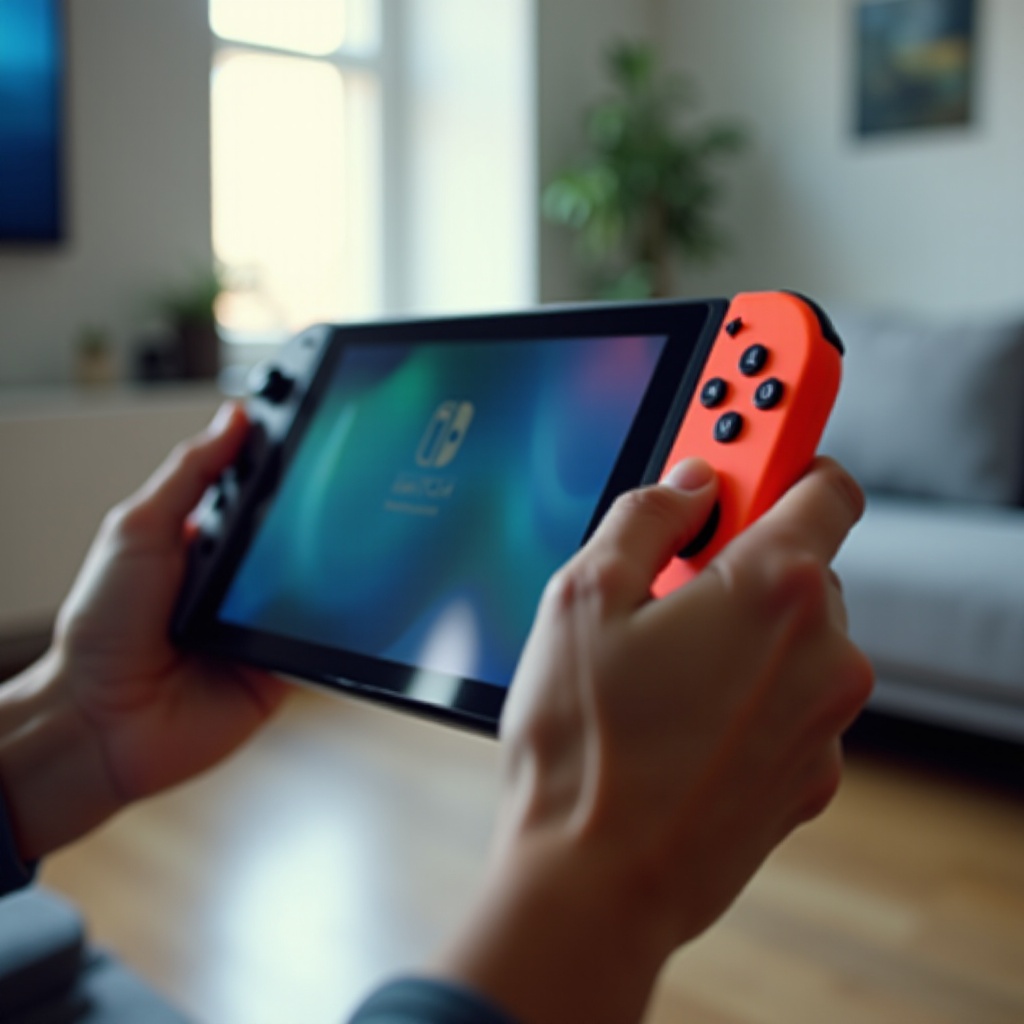
At its inception, the Nintendo Switch did not support Bluetooth audio, which was a point of disappointment for many early adopters. Initially, its Bluetooth was confined to pairing with Joy-Con and Pro Controllers. Over time, however, consumer demand for broader Bluetooth functionality grew significantly.
By 2024, Nintendo answered these calls with updates that expanded its Bluetooth capabilities to include audio devices. Each subsequent software update has sought to iron out kinks and improve how the system handles Bluetooth connections, continuously enhancing user experience.
Enabling Bluetooth on Your Nintendo Switch
Utilizing the Bluetooth capabilities of your Nintendo Switch is straightforward once you know the process. To get started, follow these steps:
-
Ensure your Nintendo Switch’s system software is updated to the latest version for complete Bluetooth support and bug fixes.
-
From the Home Menu, go to ‘System Settings’ and then scroll down to ‘Bluetooth Audio.
-
Activate your Bluetooth device’s pairing mode, choose ‘Add Device’ on the Switch, and select your device from the available options.
-
Once connected, test the functionality by playing a game or using a media app to ensure smooth audio streaming.
By following these steps, you’ll quickly enhance your gaming experience with Bluetooth-enabled devices.
Compatible Bluetooth Devices
The Nintendo Switch’s Bluetooth capability supports an array of devices, allowing for versatile accessory connections:
-
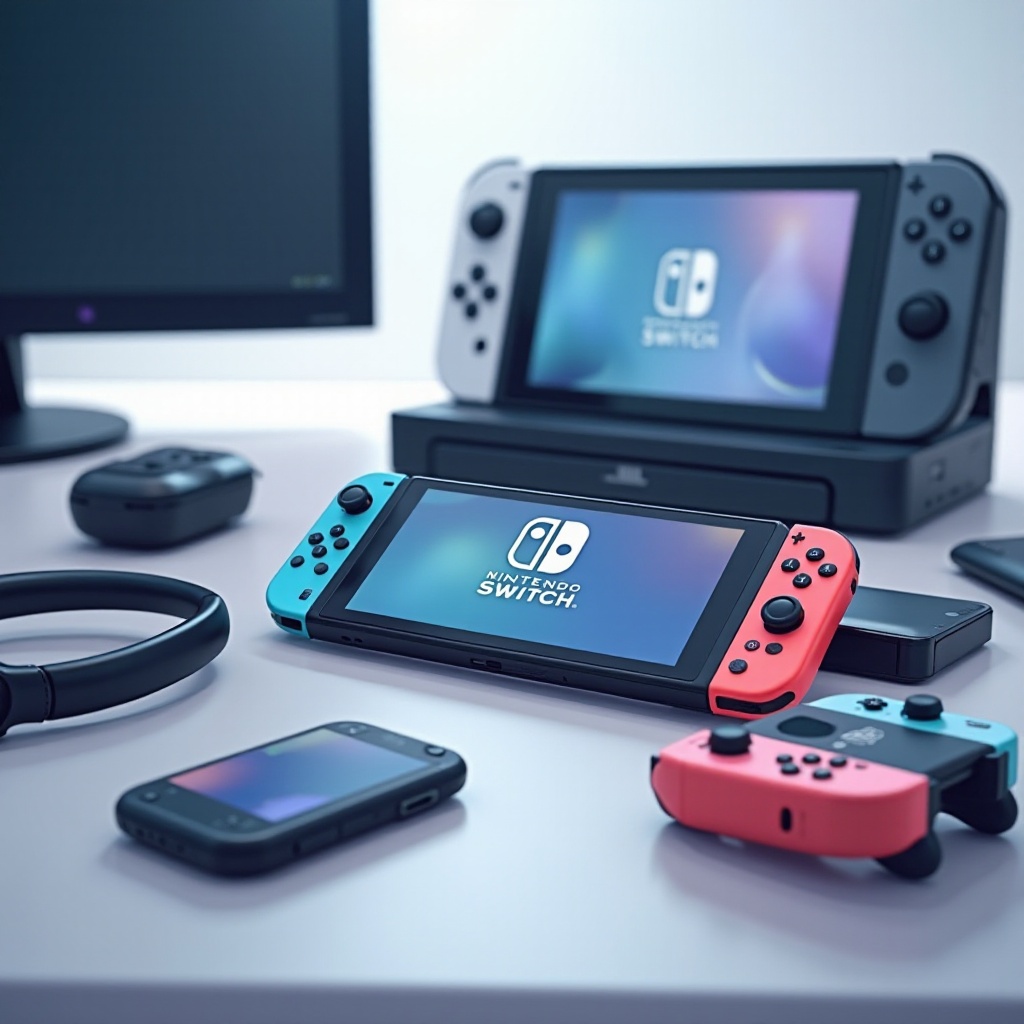
Bluetooth Headphones: Most brands can now connect to offer wireless gameplay audio, provided they maintain stable connections.
-
Bluetooth Controllers: Besides Joy-Con and Pro Controllers, other Bluetooth controllers can be synced, broadening your gameplay options.
-
Other Devices: Some Bluetooth speakers and adapters may be compatible, though results can vary.
These compatibility options provide a level of flexibility, giving gamers the ability to customize their setup to their preferences.
Benefits and Drawbacks of Bluetooth on the Switch
Several advantages accompany Bluetooth connectivity on the Nintendo Switch:
-
Wireless Freedom: It cuts down on the clutter of wires, offering more comfortable gameplay whether using headphones or controllers.
-
Enhanced Audio Experience: Quality Bluetooth headphones can noticeably improve your audio experience.
-
Accessory Diversity: The ability to connect multiple devices increases the system’s functionality and customization.
Nevertheless, consider several potential drawbacks:
-
Latency: Some may experience lag, affecting gameplay in action-heavy games.
-
Increased Battery Use: Using Bluetooth devices can drain the Switch’s battery faster.
These factors are crucial for deciding if utilizing Bluetooth on your Nintendo Switch is right for you.
Tips for Optimizing Bluetooth Connectivity
To get the best performance from your Bluetooth device connections with the Nintendo Switch, follow these tips:
-
Maintain Close Device Proximity: Keeping devices close to the Switch decreases latency and boosts connection stability.
-
Reduce Other Signal Interference: Minimizing interference will lead to smoother operation.
-
Keep Devices Updated: Regular updates for the Switch and your Bluetooth devices ensure top performance.
Implementing these suggestions will help you have a more reliable gaming experience with Bluetooth, minimizing potential disruptions.
Future Prospects for Bluetooth on Nintendo Switch
As we look to the future, further evolution of Bluetooth on the Nintendo Switch is promising. With technology advancing, there are expectations for more robust and precise performance.
Enhanced integrations with gaming peripherals, along with further reductions in latency and expanded device compatibility, are anticipated. Community feedback continues to shape these advancements, with Nintendo striving to meet popular demand and improve user satisfaction.
Conclusion
Bluetooth functionality has significantly expanded the connection possibilities on the Nintendo Switch, providing wireless freedom and numerous accessory options. Despite some limitations like potential latency, the benefits of seamless connectivity for headphones and controllers can greatly enhance the gaming experience. With continuous updates and promising future developments, Bluetooth on the Nintendo Switch offers a dynamic and customizable gaming landscape.
Frequently Asked Questions
How do I pair Bluetooth headphones with my Nintendo Switch?
Ensure your headphones are in pairing mode and select ‘System Settings’ on the Switch, choose ‘Bluetooth Audio,’ and select ‘Add Device’ to connect.
Can I use Bluetooth controllers on my Nintendo Switch?
Yes, besides Joy-Con and Pro Controllers, other Bluetooth controllers can connect, allowing for diverse gameplay styles.
What should I do if my Bluetooth connection is unstable or loses connection?
Keep devices close, minimize interference, and ensure all devices are updated for better connection stability.
