27 Feb 2026
Post by Callie
Introduction
The Nintendo Switch, with its innovative versatility, allows both handheld and docked gaming experiences. As you delve into its world, understanding its power needs is essential. Does the Nintendo Switch require batteries? Although it does not use traditional replaceable batteries, the Switch is equipped with an internal rechargeable lithium-ion battery. Knowing how this system operates can significantly enrich your gaming sessions by optimizing battery use and longevity.
Does the Nintendo Switch Require Batteries?
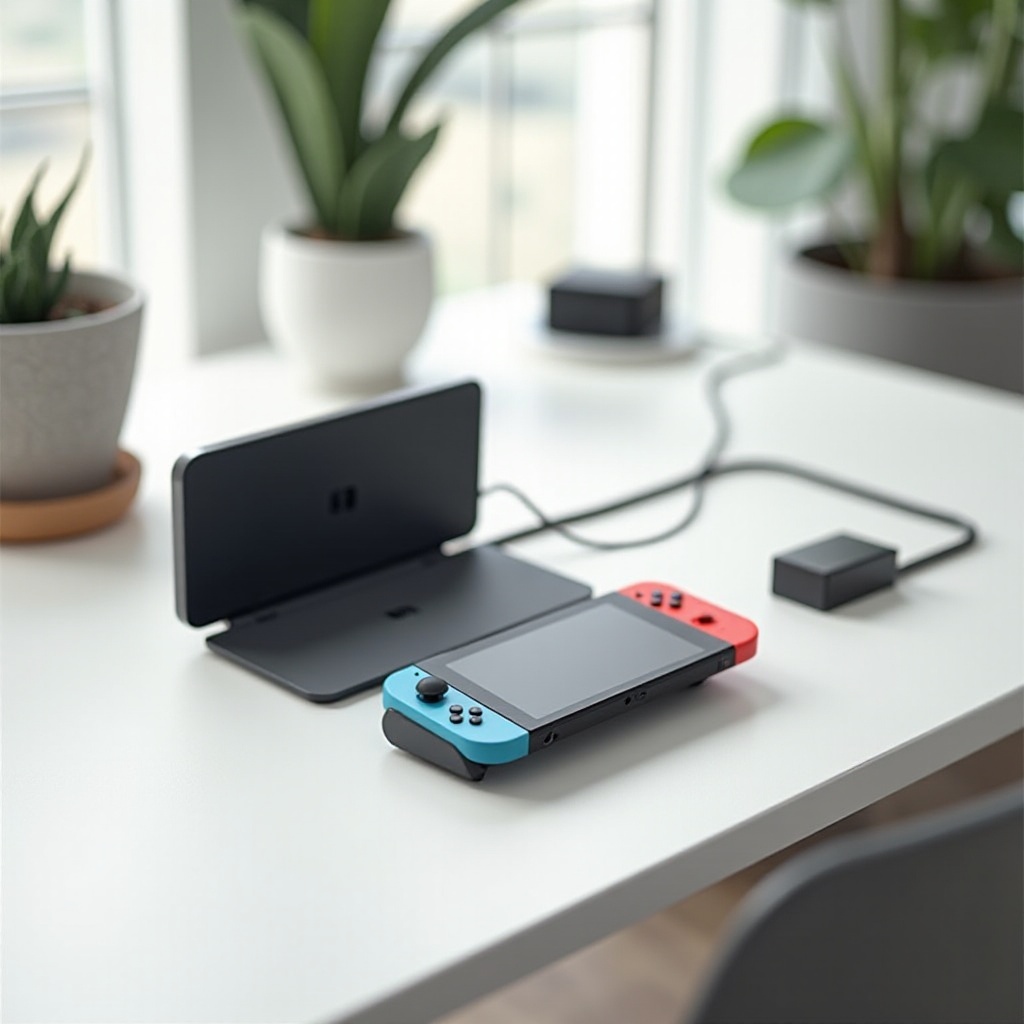
Unlike devices that rely on replaceable AA or AAA batteries, the Nintendo Switch houses a built-in rechargeable battery. This integral battery fuels the console in both handheld and docked modes, providing a seamless experience. Charging is straightforward: simply place it in its dock or use a USB-C power adapter when on the move. This not only keeps accessories to a minimum but also emphasizes the importance of battery maintenance for long-term use.
Having explored this foundational aspect, let’s assess how different models of the Nintendo Switch vary in terms of battery features.
Comparing Battery Features of Different Nintendo Switch Models
When choosing a Nintendo Switch, consider the model that best suits your gaming habits, as each variant has unique battery characteristics:
- Original Switch: Offers a battery life ranging from 2.5 to 6.5 hours, suiting moderate entertainment needs.
- Switch Lite: Provides 3 to 7 hours of battery life, designed for on-the-go gamers who prefer a purely handheld experience.
- OLED Model: This model impresses with an extended battery life of 4.5 to 9 hours, thanks to enhanced power efficiencies and a superior display.
Selecting the right model hinges on your personal gaming preferences, be it long sessions on the go or relaxed play at home. Once you have chosen your ideal model, the next step is optimizing your battery’s lifespan.
Optimizing Nintendo Switch Battery Life
Maximizing your Nintendo Switch’s battery life leads to more playtime and less charging. Here are some effective strategies:
- Regular Charging Routine: Consistent charging is crucial. Avoid fully depleting the battery.
- Adjust Brightness Settings: Lower screen brightness in handheld mode for extended playtime.
- Airplane Mode: Enable airplane mode when Wi-Fi is unnecessary to conserve power.
- Update Software Regularly: Keep your console’s software updated for better battery performance.
- Avoid Extreme Temperatures: Store and use your console in moderate temperatures to prevent battery degradation.
Incorporating these practices can maintain your console’s readiness, providing uninterrupted gaming enjoyment. Let’s now explore how certain accessories can further enhance this optimization.
Charging Accessories and Their Effectiveness
Amplify your Nintendo Switch’s battery capabilities with these accessories:
- Portable Power Banks: Opt for a high-capacity model supporting USB-C for longer gaming hours during travel.
- Charging Stations: Use a home docking station for convenient charging and to ensure your battery is always ready.
These accessories provide added assurance that your console will endure the longest gaming marathons. With charging aspects covered, let’s address how to troubleshoot common battery issues should they arise.
Troubleshooting Common Battery Issues
While battery issues with the Nintendo Switch are uncommon, knowing how to address them can save time:
- Battery Draining Quickly: Ensure all apps not in use are closed and monitor background processes.
- Not Charging Properly: Use only Nintendo-approved chargers. Clean the USB-C port if charging problems persist.
- Overheating: Let your console cool down if it becomes hot during use, as this can impact battery health and performance.
With these troubleshooting techniques, you can tackle potential problems effectively, ensuring seamless gameplay. Lastly, let’s look at recent advancements in battery technology for the Nintendo Switch.
Enhancements in Battery Technology for the Nintendo Switch
Advancements in battery technology are driving improvements in Nintendo Switch models, enhancing efficiency and playtime between charges. The introduction of more robust lithium-ion technologies promises both better performance and environmental benefits.
Keeping abreast of these innovations not only boosts your console’s performance but also positions you to make informed decisions about future gaming hardware investments.
Conclusion
While the Nintendo Switch’s built-in battery does not require traditional replacements, its optimal care is crucial for maximizing your gaming adventures. Understanding and implementing the right strategies ensures your console remains a reliable companion through countless gaming sessions.
Frequently Asked Questions
How long does the Nintendo Switch battery last on a full charge?
On a full charge, the battery can last between 2.5 to 9 hours, depending on the model and usage.
Can you replace the battery in a Nintendo Switch?
The battery is built-in and designed for long-term use. Professional service is recommended for any replacements.
What accessories can help extend my Switch’s battery life?
Using portable power banks and charging docks can enhance battery durability and ensure you’re always prepared for extended gaming sessions.